

Trading glossary
Trading Journal
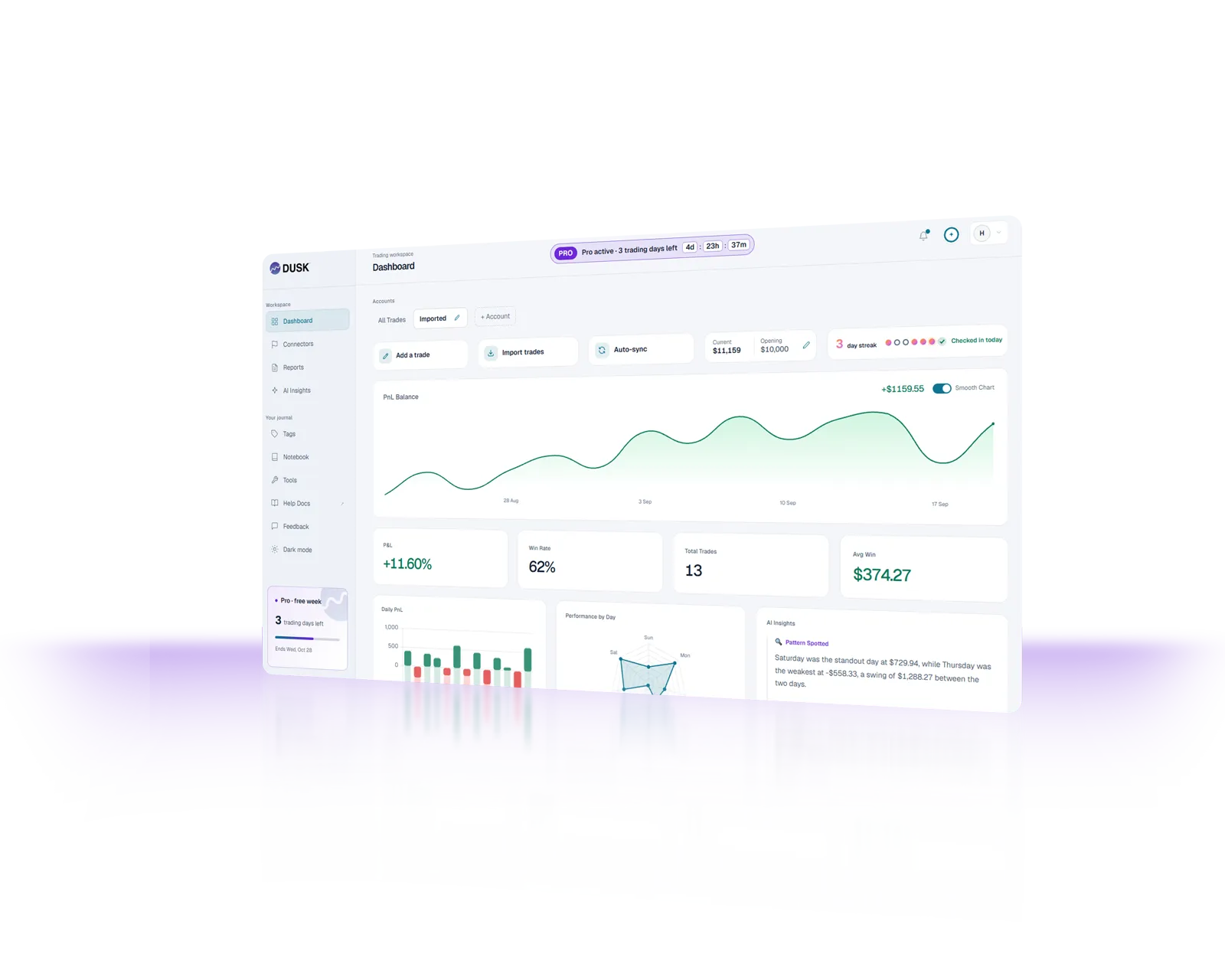
A trading journal is a record of every trade you take, including entries, exits, size, P&L, tags and notes about why you traded. Its purpose is to make review possible: with a complete record you can see which setups work, where mistakes repeat, and how closely you follow your plan. Journals range from spreadsheets to dedicated software that computes analytics automatically. An automatic trading journal such as Dusk Analyst syncs closed trades from MT4, MT5, cTrader and NinjaTrader 8 the moment they close, so the record is complete and honest without manual entry.
 MetaTrader 4
 MetaTrader 5
 cTrader
 NinjaTrader 8
 FTMO
 The5ers
 FundingPips
 FundedNext
 IC Markets
 Pepperstone
 Topstep
 Alpha Capital
 Exness
 OANDA
 FxPro
 Vantage
Any broker or prop firm on MT4, MT5, cTrader or NinjaTrader 8 syncs. Also imports TradingView, CSV and Excel and MT4 / MT5 reports. See all 365 brokers
26 seconds
Watch a trade log itself.
A real MetaTrader terminal. Close the trade, open Dusk Analyst, and it’s already there: symbol, direction, entry, exit and P&L. Nothing to export, nothing to type, nothing forgotten.
Auto-sync (MT4, MT5, cTrader, NinjaTrader) is on Pro. Free is for logging trades by hand.
Get started, freeWhy it matters for your trading journal: A trading journal is the record of every trade and the reason it was taken - the raw data for every other improvement in this glossary. Without it, review is memory; with it, review is evidence.
Example: Example: a journal holding entry, exit, setup, session and notes lets a trader find that 80% of losses came from one setup, then act on it.
What is Trading Journal in trading?
A trading journal is a record of every trade you take, including entries, exits, size, P&L, tags and notes about why you traded. Its purpose is to make review possible: with a complete record you can see which setups work, where mistakes repeat, and how closely you follow your plan. Journals range from spreadsheets to dedicated software that computes analytics automatically. An automatic trading journal such as Dusk Analyst syncs closed trades from MT4, MT5, cTrader and NinjaTrader 8 the moment they close, so the record is complete and honest without manual entry.
How do I track Trading Journal in my trading journal?
Dusk Analyst is a trading journal built for this: it logs trades automatically from MT4, MT5, cTrader and NinjaTrader 8 on Pro, or manually on Free, with tags, analytics and reports.
Choosing a journal
Free plans, pricing and picks
Pricing